How do I create folders and subfolders?
Last updated 19 days ago
You can create catalogs/categories and sub-catalogs/sub-categories for goods and documents in the system.
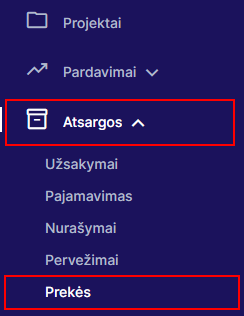
In the product module, you can create categories and subcategories by choosingProduct module:
You can create document directories and subdirectories as you chooseSystem settings - Documents - Document categories:
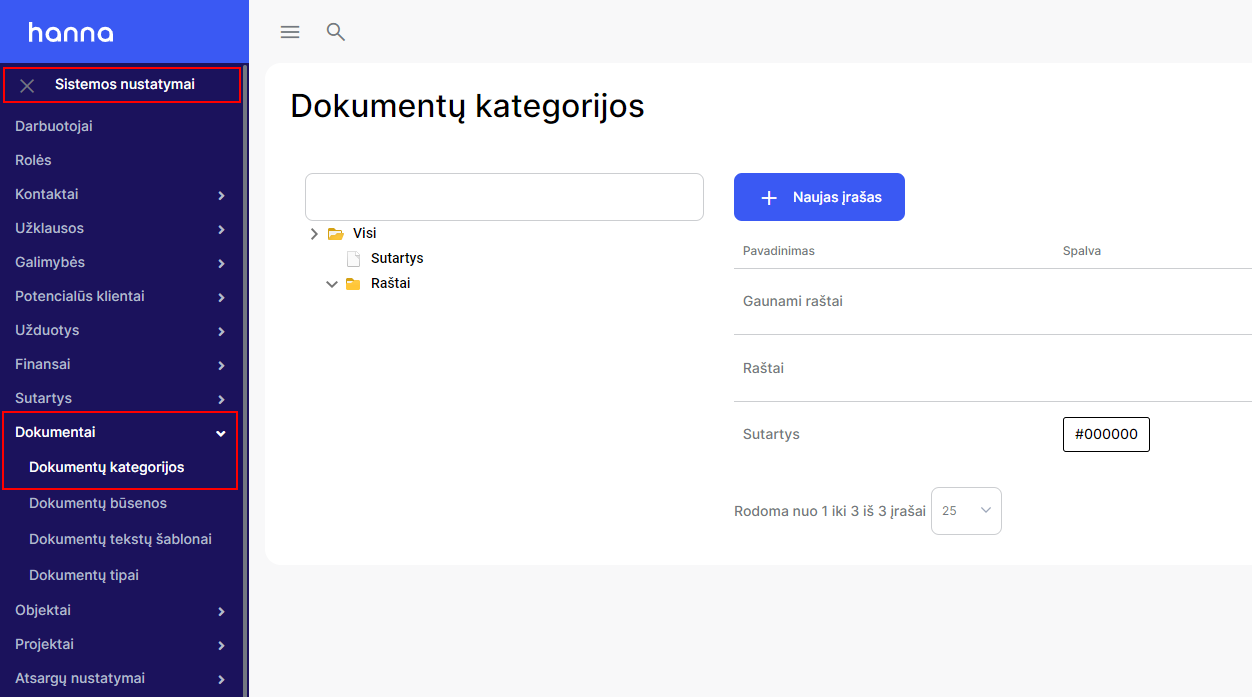
- First, create the first category under which the other subcategories will be placed. ChooseNew entrybutton:

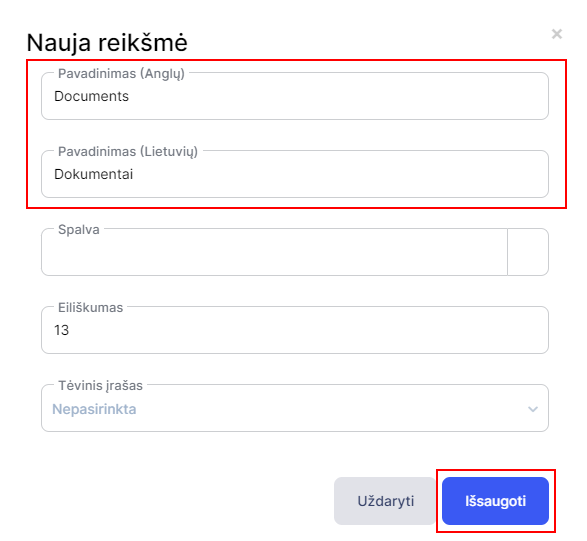
- Specify a category name and save changes:
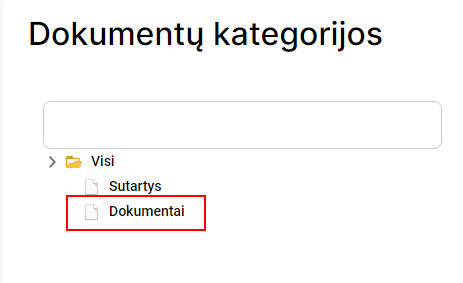
- Refresh the browser window and the system will display the category you created in the general list:
- For a document category, select to specify subcategoriesNew entrybutton:

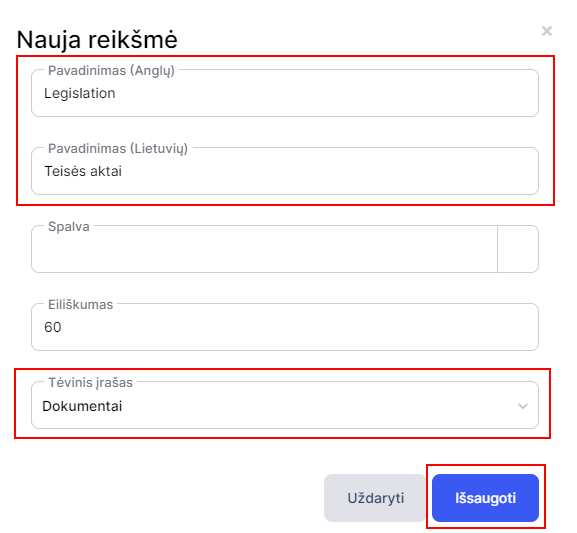
- Specify the name of the subcategory, selectParent recordand save the changes:
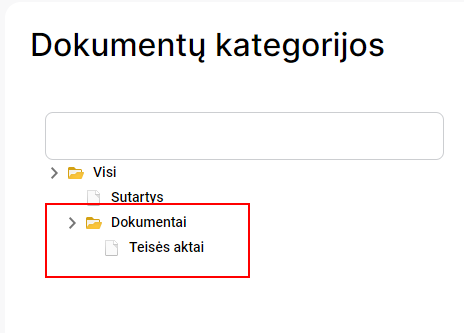
- Refresh the browser window and the system will display the subcategory you created:
Was this helpful?
Still need help? Ask the team