Applying discounts in sales documents
Last updated 19 days ago
You can apply a discount to Opportunities, Advance Bills and Bills by percentage or amount.
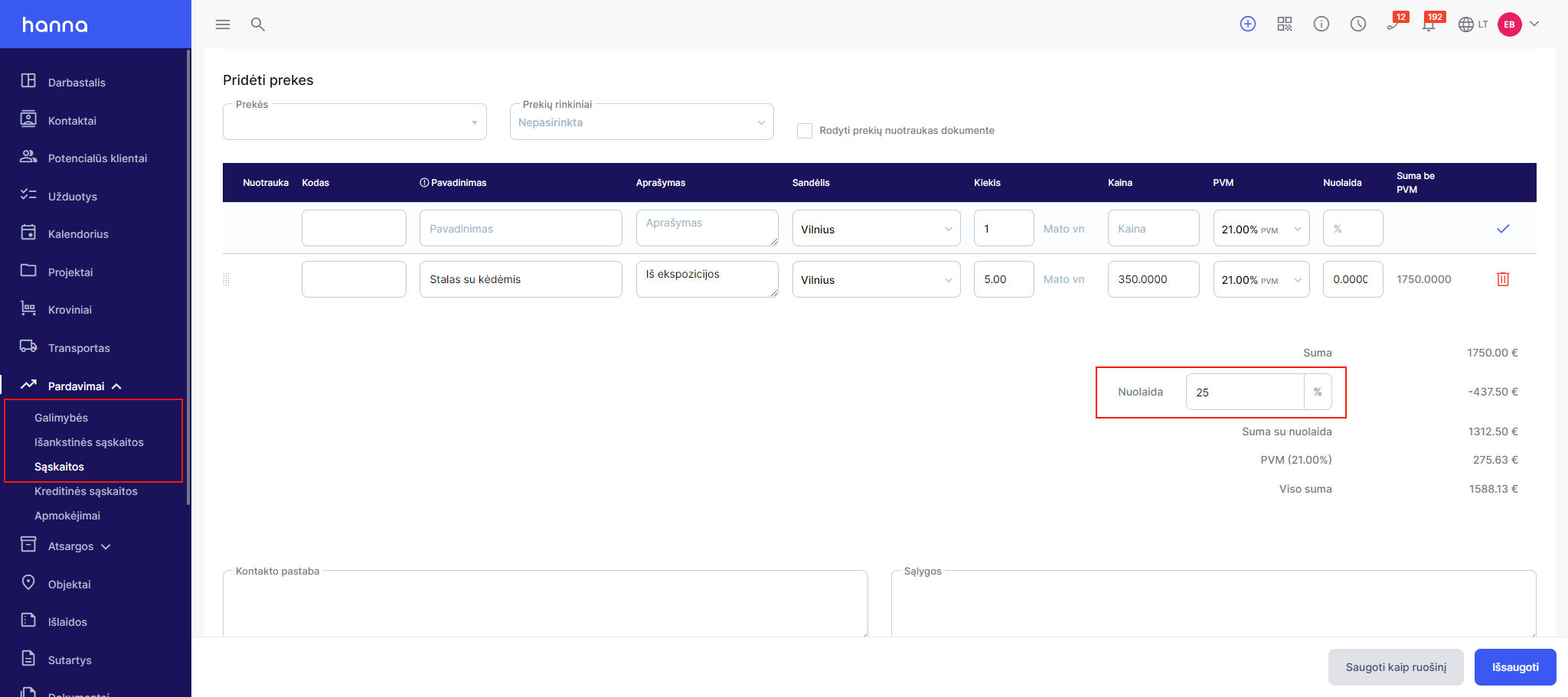
- Choose to create a sales document and under the item lines you can enterpercentagediscount:
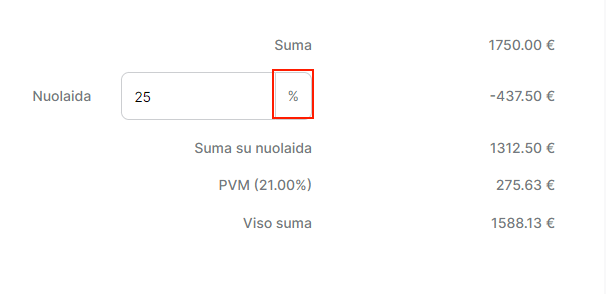
- If you want to apply the exact discount amount, select on the percentage button:
- The system will open a modal window where you can specify the desired amount:
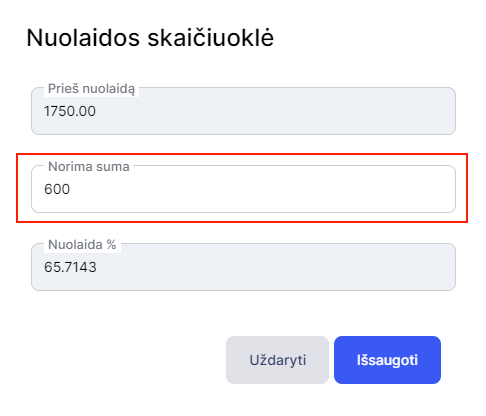
Also, in the window you will see the amount without VAT before the discount and what percentage of the discount is applied.
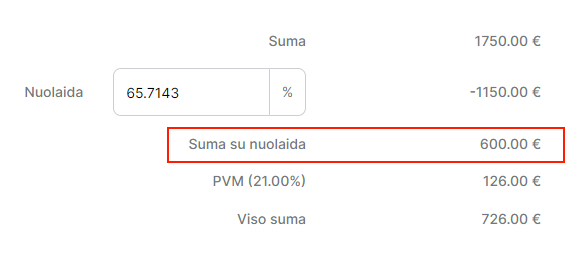
- After saving the changes, you will see the discount amount you entered:
Was this helpful?
Still need help? Ask the team